

Blog
How to Activate Visual Studio 2026 PRO: A Step-by-Step Guide

Introduction:
Visual Studio 2026 RO is the latest release of Microsoft’s integrated development environment (IDE), designed for building web, mobile, and desktop applications. With its enhanced debugging tools, new AI-powered features, and support for modern development technologies, Visual Studio 2026 RO is the go-to tool for developers. However, activation can sometimes be tricky if you’re not familiar with the process. In this guide, we’ll show you exactly how to activate Visual Studio 2026 RO and troubleshoot any issues that arise.
Key Features of Visual Studio 2026 RO:
-
AI-Enhanced Code Suggestions: Visual Studio 2026 RO comes with advanced AI features that provide code completion suggestions and auto-corrections.
-
Improved Debugging Tools: Debugging has never been easier with the enhanced debugger for fast troubleshooting.
-
Multi-platform Development: Build applications for Windows, macOS, Android, and more with seamless cross-platform support.
-
Cloud Integration: Easily deploy applications to Azure with built-in cloud tools.
-
New Extensions: Visual Studio 2026 RO allows for new extensions to be installed to enhance functionality.
Common Errors & Fixes:
Here are some common activation errors and their fixes:
-
Error: Activation Key Not Accepted
Fix: Ensure you are using the correct product key and check that your internet connection is stable. If the problem persists, contact support for a new key. -
Error: “License Expired” Message
Fix: If your Visual Studio license is expired, go to the account settings, and renew the license or use a valid key for activation. -
Error: Activation Server Not Found
Fix: Verify that your firewall or antivirus software is not blocking the activation process. Try disabling the firewall temporarily and retry the activation. -
Error: Invalid Account Login
Fix: Double-check that you are entering the correct credentials. If necessary, reset your password on the official Microsoft account portal.
Methods to Activate Visual Studio 2026 RO:
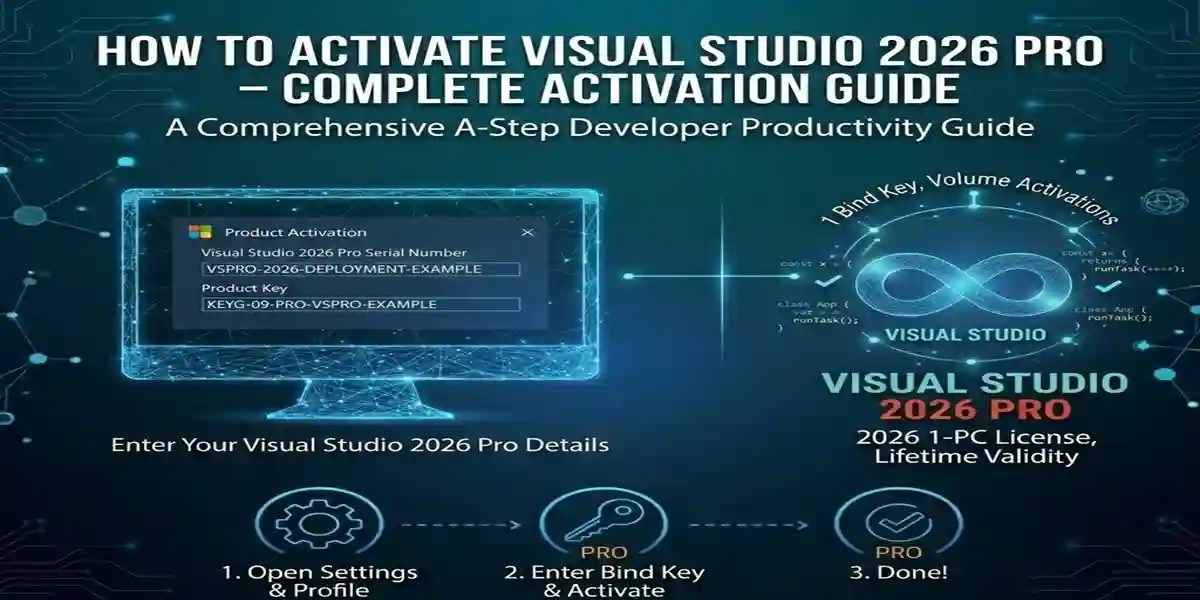
Activating Visual Studio 2026 RO is a simple process, but it’s important to follow the correct steps. Here’s how to activate it:
Method 1: Using a Product Key
-
Launch the Visual Studio 2026 application.
-
Select the Activate option.
-
Enter your product key when prompted.
-
Click Next and follow the on-screen instructions to complete activation.
Method 2: Using a Microsoft Account
-
Open Visual Studio 2026 and click on Sign In.
-
Log in with your Microsoft account that is linked to your Visual Studio license.
-
After logging in, Visual Studio will automatically activate.
Method 3: Activation via the Visual Studio Installer
-
Open the Visual Studio Installer.
-
Click on the Modify button for your installed version of Visual Studio 2026.
-
Select Activate and follow the prompts for your preferred activation method (product key or account).
License Activation for Multiple Devices:
If you want to activate Visual Studio 2026 RO on multiple devices, you will need separate licenses for each device unless you’re using a volume license. The process remains the same across different systems, but you must enter a valid product key or sign in with the appropriate Microsoft account.
Conclusion:
Activating Visual Studio 2026 RO is essential to unlock its full potential. With its powerful features, you can develop modern applications with ease. This guide has covered various activation methods, common issues, and troubleshooting techniques to help you get up and running without delays.
If you encounter any issues during activation, refer to our troubleshooting section or reach out to Microsoft support. Once activated, you’ll have access to all the features of Visual Studio 2026 RO, setting the stage for successful development.
FAQ:
-
Can I activate Visual Studio 2026 RO without a product key?
Yes, you can sign in with a Microsoft account that has a valid license for Visual Studio 2026 RO. -
What if my Visual Studio 2026 RO license is expired?
You’ll need to renew your subscription or purchase a new product key to continue using Visual Studio. -
Can I use Visual Studio 2026 RO on more than one device?
You can activate it on multiple devices, but each device will require its own valid license unless you have a volume license. -
What should I do if Visual Studio 2026 RO is not activating?
Check your internet connection, make sure your license key is valid, and ensure there are no firewall or security software restrictions.