

Blog
How to Activate Windows 10 Pro for 1 PC | Step-by-Step Guide

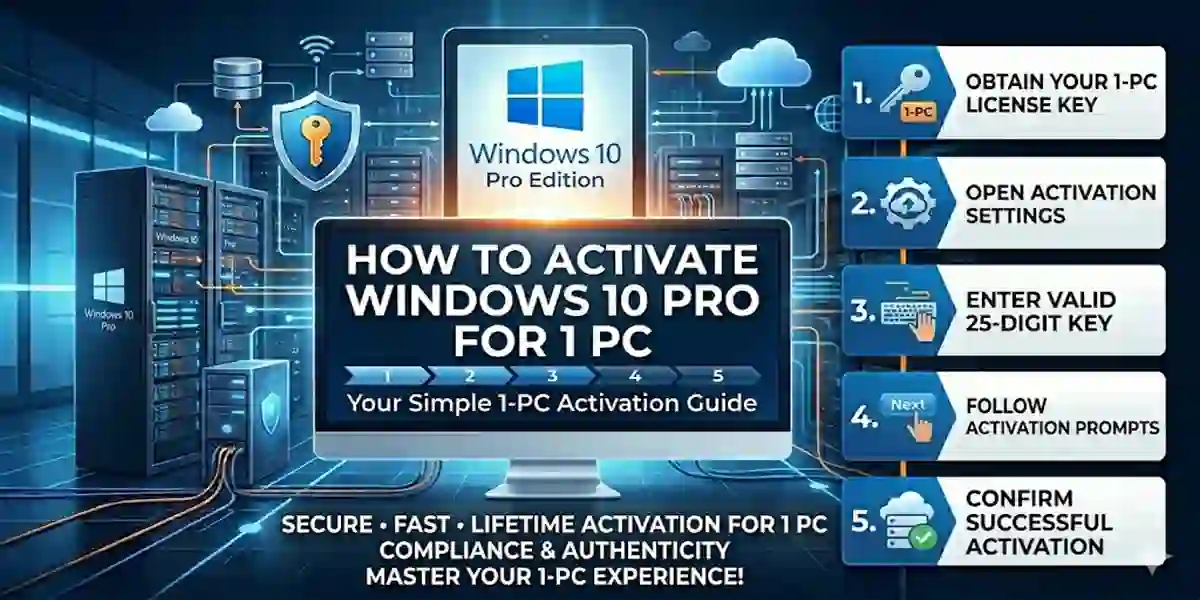
Introduction
Windows 10 Pro is one of the most widely used operating systems for personal and professional use. With advanced features like BitLocker encryption, Remote Desktop, and Hyper-V virtualization, it’s an ideal choice for professionals, gamers, and developers. However, to enjoy all the premium features without limitations, Windows 10 Pro needs to be activated.
Features of Windows 10 Pro
Before activation, understanding Windows 10 Pro’s features will help you see why it’s worth investing in a genuine license:
- BitLocker Encryption – Protect your data with full-drive encryption.
- Remote Desktop Access – Connect to your PC remotely for work or support.
- Hyper-V Virtualization – Run multiple virtual machines for testing or development.
- Assigned Access – Restrict user access for a secure environment.
- Enterprise-Grade Security – Windows Defender and security updates keep your system safe.
- Windows Update for Business – Receive timely updates for productivity and security.
- Microsoft Store Integration – Access thousands of apps for business and entertainment.
These features make Windows 10 Pro a versatile OS for personal and professional use.
Methods to Activate Windows 10 Pro for 1 PC
There are several ways to activate Windows 10 Pro. Here’s a breakdown of the most reliable methods:
1. Activate Using a Digital License
A digital license links your Windows activation to your Microsoft account.
Steps:
- Go to Settings > Update & Security > Activation.
- Click Add an account and sign in with your Microsoft account linked to your license.
- Windows 10 Pro will automatically activate once connected.
2. Activate Using a Product Key
A product key is a 25-character code used to activate Windows.
Steps:
- Press Windows + I to open Settings.
- Go to Update & Security > Activation > Change product key.
- Enter your 25-character Windows 10 Pro key and click Next.
- Wait for activation confirmation.
3. Activate Using Command Prompt (CMD)
This method is handy if other methods fail.
Steps:
- Open Command Prompt as Administrator.
- Type:
slmgr.vbs /ipk YOUR-PRODUCT-KEY
slmgr.vbs /ato- Press Enter after each command to activate.
4. Activate via Phone
For users without internet access:
- Open Settings > Activation > Activate by Phone.
- Select your country and call the toll-free Microsoft number.
- Follow instructions to get the activation ID.
- Enter the ID and complete activation.
Common Errors and Fixes During Activation
Even when following steps, users may encounter errors. Here are the most common ones and fixes:
1. Error 0xC004F074 (KMS Error)
Cause: Windows couldn’t connect to the Key Management Server.
Fix:
- Check internet connection.
- Re-enter product key via Settings > Activation.
2. Error 0xC004C003 (Invalid Key)
Cause: The product key is blocked or invalid.
Fix:
- Verify your key is genuine.
- Purchase a new Windows 10 Pro key from a trusted source.
3. Error 0x8007007B (Network Path Not Found)
Cause: The system cannot find the activation server.
Fix:
- Run Windows Troubleshooter from Settings > Update & Security > Troubleshoot.
- Try phone activation if online activation fails.
4. Activation Stuck or Not Responding
Fix:
- Restart PC.
- Disable VPN and firewall temporarily.
- Use CMD activation as described above.
Conclusion
Activating Windows 10 Pro for 1 PC is essential for unlocking the full potential of your operating system. Whether you choose a digital license, product key, CMD activation, or phone activation, the process is straightforward if you follow the correct steps. Genuine activation ensures security, access to updates, and all premium features.
Always purchase licenses from trusted sources like esoftwarestore to avoid errors and invalid keys. With this guide, you can confidently activate your Windows 10 Pro and enjoy all its professional-grade features.
FAQs About Windows 10 Pro Activation
1. Can I activate Windows 10 Pro on multiple PCs with 1 key?
No. A single license key is valid for only 1 PC.2. Is Windows 10 Pro activation permanent?
Yes, once activated, your Windows 10 Pro remains genuine permanently unless reinstalled on a new device without reactivation.3. Can I use Windows 10 Pro without activation?
You can, but features like personalization and updates will be limited.4. How do I check if Windows 10 Pro is activated?
Go to Settings > Update & Security > Activation to view your activation status.5. What is the safest way to buy Windows 10 Pro?
Purchase from trusted stores like esoftwarestore or official Microsoft resellers.