

Blog
How to Activate SQL Server 2019 Standard Retail Key | Step-by-Step Guide

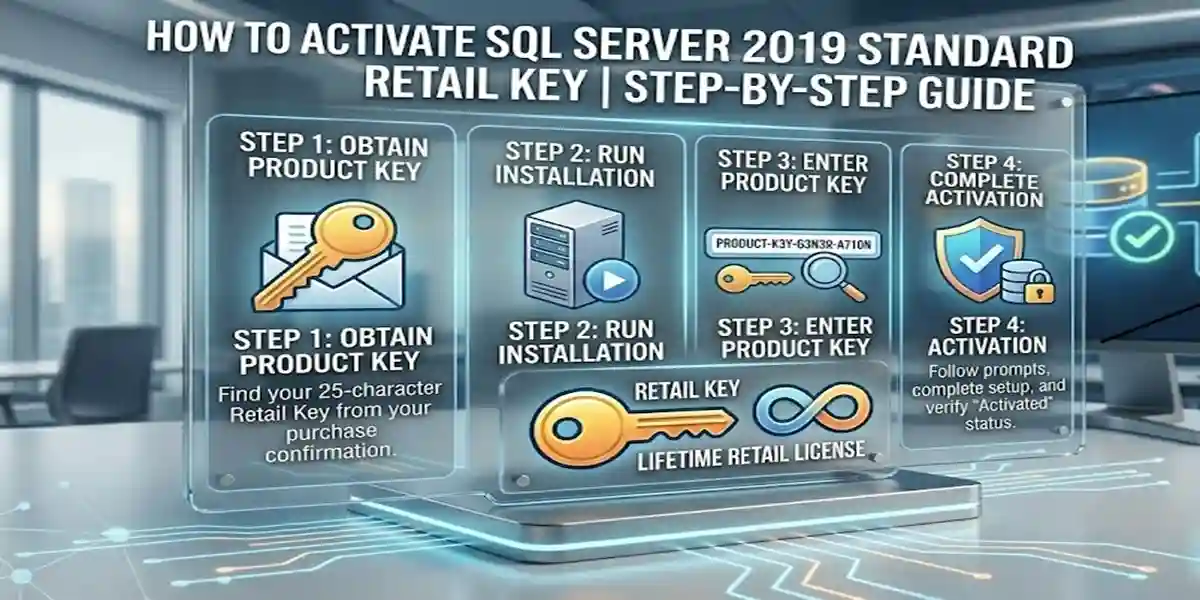
Introduction
In today’s fast-paced business environment, SQL Server 2019 is a robust, secure, and scalable database solution for organizations of all sizes. Proper activation of SQL Server 2019 ensures full access to enterprise features, AI integration, and reliable database management. Using a genuine retail key prevents software piracy, ensures compliance, and provides continuous updates from Microsoft.
Features of SQL Server 2019 Standard
- Secure Data Management: Encryption, authentication, and compliance features.
- High Performance: Optimized query processing and indexing.
- Scalable Architecture: Handle small to large workloads efficiently.
- AI and Machine Learning Ready: Integrate predictive analytics and AI services.
- Hybrid Cloud Support: Seamless integration with Azure cloud services.
- High Availability: Built-in failover clustering and replication.
- Developer Support: Compatible with Python, R, and .NET frameworks.
- Management Tools: SQL Server Management Studio for monitoring and administration.
SQL Server Versions Overview (2010-2019)
- SQL Server 2010 Standard: Core relational database capabilities, reporting services, basic BI; suitable for small businesses and legacy systems.
- SQL Server 2012 Standard: Enhanced BI features, AlwaysOn availability groups, improved performance; recommended for mid-sized organizations.
- SQL Server 2013 Standard: In-memory OLTP, new BI tools, improved security updates; ideal for businesses requiring faster transaction processing.
- SQL Server 2016 Standard: Advanced security, in-memory OLTP, stretch database, R integration; perfect for mid to large enterprises.
- SQL Server 2017 Standard: Cross-platform support (Linux & Windows), graph data, Python integration; for hybrid and modern environments.
- SQL Server 2019 Standard: Big data clusters, AI integration, advanced analytics, hybrid cloud support; designed for AI-driven and modern enterprise workloads.
Methods to Activate SQL Server 2019 Standard Retail Key
Method 1: Using SQL Server Installation Center
- Open SQL Server Installation Center.
- Click Maintenance → Edition Upgrade.
- Enter your Retail Key in the product key field.
- Follow the on-screen prompts to complete activation.
- Restart SQL Server services to apply changes.
Method 2: Using Command Prompt (Advanced)
- Open Command Prompt as Administrator.
- Navigate to the SQL Server installation directory.
- Run the following command:
Setup.exe /q /ACTION=EditionUpgrade /PID=<Your-Retail-Key>
- Press Enter and wait for confirmation.
- Verify activation in SQL Server Management Studio → Help → About.
Method 3: Online Activation via Microsoft Account
- Connect your computer to the internet.
- Open SQL Server Setup and select Activate via Internet.
- Enter the Retail Key and sign in with your Microsoft account.
- Follow on-screen instructions to complete activation.
Common Errors and Fixes
| Error Message | Cause | Fix |
|---|---|---|
| “Product key is invalid” | Typo or wrong edition | Re-enter the correct retail key |
| “Activation failed due to network” | Firewall or proxy blocking access | Check internet connection and firewall rules |
| “License already in use” | Key activated on another PC | Contact Microsoft support for key reset |
| “Edition mismatch” | Key not matching installed edition | Use correct edition key or upgrade installer |
| “Setup incomplete” | Corrupted installation files | Repair installation or reinstall SQL Server |
Licenses
- Retail Key: One-time purchase, transferable between systems.
- Volume License: Multi-user license, ideal for enterprises.
- Subscription License (Azure): Cloud-based license with monthly or annual payments.
AI and Advanced Features Unlocked After Activation
- Intelligent Query Processing – Optimizes database performance.
- Big Data Clusters – Run AI/ML workloads alongside relational data.
- Integration with Power BI – Real-time analytics dashboards.
- Machine Learning Services – Supports Python and R for predictive modeling.
Conclusion
Activating SQL Server 2019 Standard Retail Key ensures full access to enterprise-grade performance, AI integration, advanced analytics, and security features. Following the step-by-step activation methods will prevent errors and provide a genuine, fully functional SQL Server environment. For businesses and developers seeking a reliable, scalable, and future-proof database solution, purchasing from eSoftwareStore guarantees authenticity, instant activation, and support.
FAQ
Q1: How do I activate SQL Server 2019 Standard Retail Key?
A1: You can activate via SQL Server Installation Center, Command Prompt, or online using a Microsoft account.
Q2: Can one retail key be used on multiple devices?
A2: No, retail keys are typically single-system licenses, unless otherwise specified by Microsoft.
Q3: What features unlock after activation?
A3: Activation enables AI integration, big data clusters, Power BI dashboards, predictive analytics, and advanced security features.
Q4: What if my activation fails?
A4: Common fixes include verifying the key, checking network connectivity, ensuring edition match, or contacting Microsoft support.
Q5: Where can I buy a genuine SQL Server 2019 Standard Retail Key?
A5: Purchase from trusted vendors like eSoftwareStore for instant delivery and support.
Q6: What editions are available for SQL Server 2010-2019?
A6: Versions range from Standard to Enterprise, with increasing features such as AI integration and hybrid cloud support. See the version table above.
Q7: How to verify SQL Server activation status?
A7: Open SQL Server Management Studio → Help → About to check activation and license details.
Q8: Is SQL Server 2019 Standard suitable for AI workloads?
A8: Yes, it is AI-ready and supports predictive analytics, machine learning, and big data clusters.
Q9: Can I upgrade SQL Server 2017 to 2019 Standard?
A9: Yes, using the Edition Upgrade feature in SQL Server Installation Center.
Q10: Are cloud features available after activation?
A10: Yes, SQL Server 2019 Standard integrates with Azure and other hybrid cloud services.