

Blog
How to Activate Microsoft Office 2021 Professional Plus – Phone Key Activation for Windows

Introduction
Microsoft Office 2021 Professional Plus is the latest productivity suite designed for professionals, students, and businesses. It includes powerful applications like Word, Excel, PowerPoint, Outlook, Access, and Publisher. Unlike subscription-based versions like Microsoft 365, Office 2021 offers a one-time purchase license. However, activation is necessary to unlock all features and ensure a genuine license. One of the most reliable activation methods is Phone Key Activation for Windows PCs.
Features of Microsoft Office 2021 Professional Plus
- Enhanced Productivity Tools: Access updated versions of Word, Excel, PowerPoint, and Outlook with advanced features.
- Collaboration & Cloud Integration: Real-time collaboration through OneDrive and Teams integration.
- Security Features: Improved security with ransomware protection and enhanced encryption.
- Data Analysis & Reporting: Advanced Excel tools including Power Query, Power Pivot, and dynamic arrays.
- Professional Templates: Ready-made templates for reports, presentations, and business documentation.
- Compatibility: Works seamlessly with Windows 10 and Windows 11 PCs.
- No Recurring Subscription: One-time purchase for lifetime use without recurring charges.
Common Errors and Fixes During Activation
Activating Office 2021 can sometimes result in errors. Here are the most common issues and solutions:
- Error Code 0xC004F074 (KMS Activation Issue)
- Cause: Office cannot contact the Key Management Service (KMS).
- Fix: Check your internet connection, run Office as Administrator, or contact Microsoft support.
- Error Code 0xC004F200 (Invalid Product Key)
- Cause: The product key entered is incorrect or already used.
- Fix: Re-enter the key carefully or use a genuine phone key activation.
- Error Code 0x80070005 (Permission Denied)
- Cause: Insufficient permissions for activation.
- Fix: Run the Office installer as Administrator and retry.
- Office in Reduced Functionality Mode
- Cause: Office is not activated properly.
- Fix: Open any Office app, go to Account > Activate Office, and follow the phone key process.
Methods to Activate Microsoft Office 2021 Professional Plus
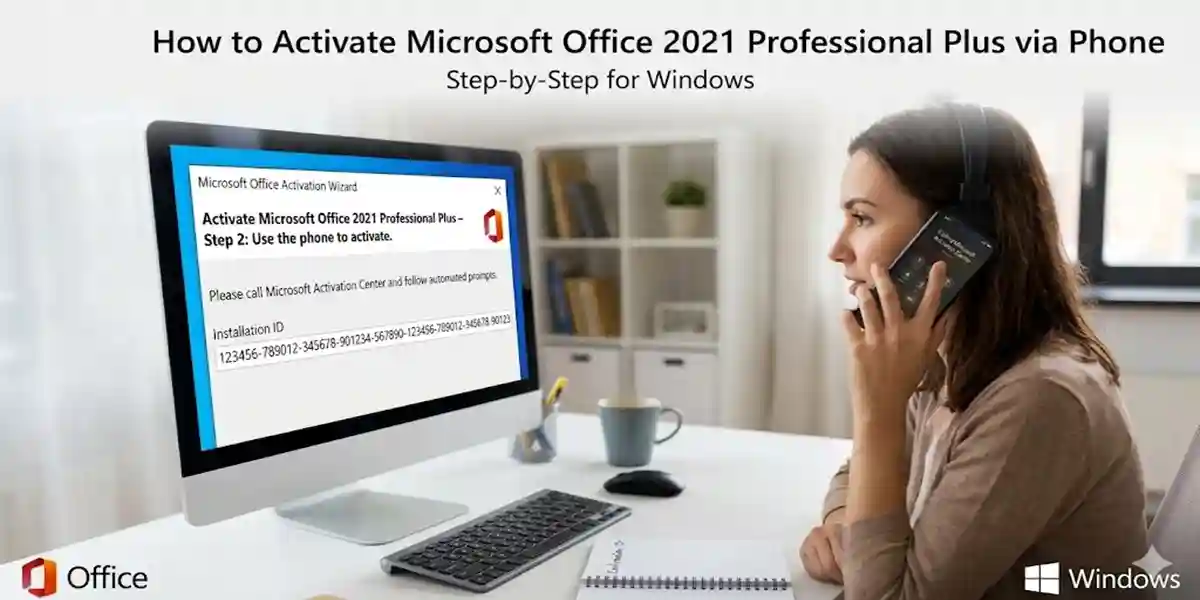
1. Phone Key Activation (Recommended)
Phone Key Activation is the most reliable method for permanent activation.
Steps:
- Open any Office app (Word, Excel, or PowerPoint).
- Go to File > Account > Activate Product.
- Choose Phone Activation.
- Follow the on-screen instructions to call Microsoft or use the automated system.
- Enter the confirmation ID provided by Microsoft.
- Complete activation to unlock all features.
2. Online Activation
- Open Office and navigate to File > Account.
- Select Activate Office Online.
- Sign in with your Microsoft account linked to your product key.
- Follow the prompts to complete activation.
3. Using Command Prompt (Advanced Users)
- Open Command Prompt as Administrator.
- Navigate to the Office installation folder (e.g.,
C:\Program Files\Microsoft Office\Office16). - Enter the command:
cscript ospp.vbs /inpkey:XXXXX-XXXXX-XXXXX-XXXXX-XXXXX. - Then run:
cscript ospp.vbs /act. - Check activation status using:
cscript ospp.vbs /dstatus.
Licensing
Microsoft Office 2021 Professional Plus comes with a perpetual license, meaning you pay once and use it indefinitely on one or multiple PCs (depending on your license type). It differs from Microsoft 365, which requires monthly or yearly subscriptions. Genuine activation ensures you receive all security updates, premium features, and compliance with Microsoft licensing policies.
Types of Licenses:
- Retail License – Can be installed on one PC and transferred if needed.
- Volume License – Suitable for businesses, allows multiple activations.
- OEM License – Pre-installed on new PCs, non-transferable.
Conclusion
Activating Microsoft Office 2021 Professional Plus using Phone Key Activation ensures a secure, genuine license, unlocking all features for professional and personal use. Understanding common errors and activation methods helps users avoid frustration and use Office seamlessly. Whether you are a student, professional, or business owner, a properly activated Office 2021 installation enhances productivity, security, and collaboration.
FAQ
Q1: Can I activate Office 2021 on multiple PCs with one key?
A1: It depends on the license type. Retail keys are usually for one PC, while volume licenses support multiple activations.
Q2: What if my product key is invalid?
A2: Ensure you are using a genuine key purchased from Microsoft or authorized resellers.
Q3: Do I need an internet connection for phone key activation?
A3: Internet is not required; the process primarily uses phone communication.
Q4: Can I switch from Microsoft 365 to Office 2021?
A4: Yes, but you need to uninstall Microsoft 365 before installing Office 2021 to avoid conflicts.
Q5: How do I check if Office 2021 is activated?
A5: Open any Office app, go to File > Account, and check the activation status.