

Blog
How to Activate Microsoft Office 2010 Professional Plus Product Key | Step-by-Step Guide

Introduction
Microsoft Office 2010 Professional Plus is a complete productivity suite designed for businesses, IT teams, and professionals. It includes powerful applications such as Word, Excel, PowerPoint, Outlook, Access, Publisher, and OneNote.
Using a genuine Microsoft Office 2010 Professional Plus Product Key ensures:
-
Full activation without limitations
-
Compliance with Microsoft licensing policies
-
Access to all features and updates
This guide will provide:
-
Step-by-step activation instructions
-
Common errors and solutions
-
Licensing formulas
-
FAQs and pro tips
Whether you are upgrading from an older Office version or installing on a new device, this article ensures hassle-free setup and activation.
Features of Microsoft Office 2010 Professional Plus
-
Word 2010 – Advanced document creation, SmartArt, and collaboration tools.
-
Excel 2010 – Powerful spreadsheet capabilities with PivotTables and advanced formulas.
-
PowerPoint 2010 – Professional presentations with slide transitions and multimedia support.
-
Outlook 2010 – Efficient email, calendar, and task management.
-
Access 2010 – Create and manage databases easily.
-
Publisher 2010 – Design marketing materials, flyers, and newsletters.
-
OneNote 2010 – Digital notebook for notes, research, and collaboration.
-
Enhanced Ribbon Interface – Faster navigation and access to tools.
-
Security & Compliance – Password protection and encryption for documents.
-
Integration with Microsoft 365 – Seamless workflow with SharePoint and Teams.
Common Errors and Fixes
Error 1: Product Key Invalid
-
Cause: Typo in key or using the wrong edition.
-
Fix: Re-enter the key carefully or verify edition compatibility.
Error 2: Installation Freezes
-
Cause: Conflicts with older Office versions.
-
Fix: Uninstall previous Office versions via Control Panel or esoftwarestore Office Uninstall Guide.
Error 3: Activation Loop
-
Cause: Firewall or antivirus blocking activation.
-
Fix: Temporarily disable firewall/antivirus and retry activation.
Error 4: Missing .NET Framework or Visual C++ Redistributables
-
Cause: Required dependencies not installed.
-
Fix: Install .NET Framework 4.8+ and Visual C++ 2015-2019 Redistributables.
Methods to Activate Microsoft Office 2010 Professional Plus
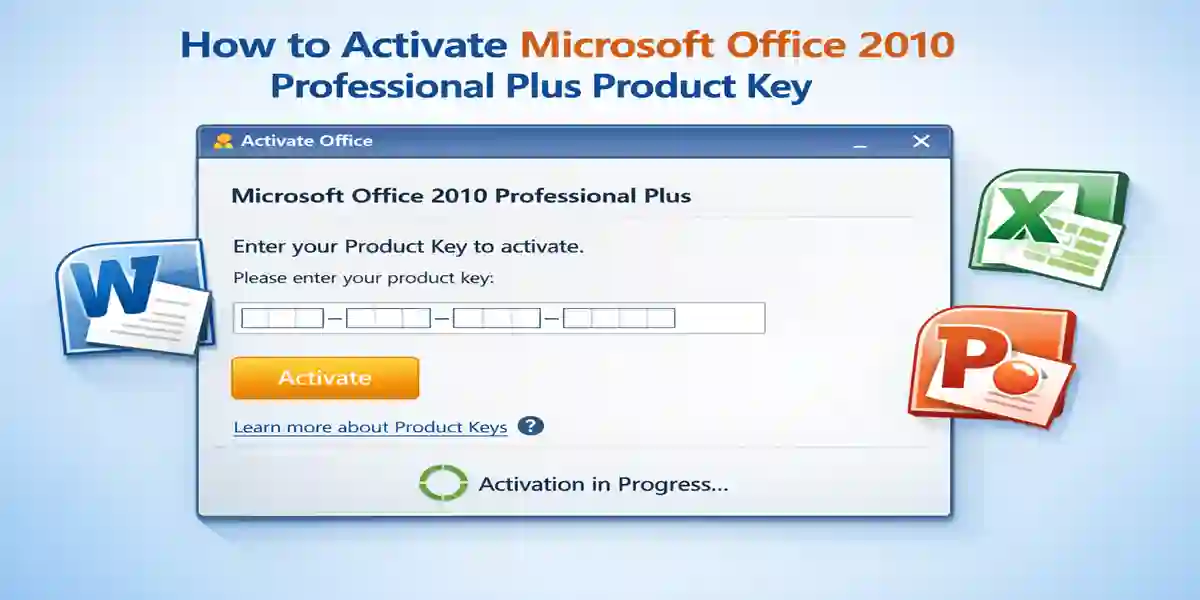
1. Online Activation
-
Open any Office app (Word/Excel).
-
Go to File → Help → Activate Product Key.
-
Enter the 25-character product key.
-
Follow prompts to complete activation.
2. Phone Activation
-
If online fails, choose Phone Activation during the setup wizard.
-
Call the Microsoft support number displayed.
-
Provide installation ID and enter confirmation ID received from Microsoft.
3. Using Volume Licensing (for Enterprises)
-
Use Volume Activation Management Tool (VAMT) for bulk deployment.
-
Enter product keys and manage activation across multiple machines.
Licensing Formulas
To ensure compliance:
Total Licenses Needed = Number of devices/users requiring Office access
Additional Licenses = New devices/users – Existing licenses
Example:
-
50 employees require Office → 50 licenses needed
-
Expanding to 70 employees → purchase 20 additional licenses
Comparison Table: Office 2010 Editions
| Feature | Office 2010 Professional Plus | Office 2010 Standard | Office 2010 Home & Business |
|---|---|---|---|
| Applications Included | Word, Excel, PowerPoint, Outlook, Access, Publisher, OneNote | Word, Excel, PowerPoint, OneNote, Outlook | Word, Excel, PowerPoint, Outlook |
| Database Management | Access Included | Not Included | Not Included |
| Publisher | Yes | No | No |
| Enterprise Features | Yes | No | No |
| Collaboration Tools | Teams & SharePoint Integration | Limited | Limited |
| Target Audience | Businesses, Enterprises, Professionals | Small Teams | Home & Small Business |
| Price | Premium | Mid-range | Affordable |
Conclusion
Activating Microsoft Office 2010 Professional Plus using a genuine product key ensures full access to all features, compliance with Microsoft licensing, and a smooth installation process. Whether for business, education, or professional use, the Professional Plus edition provides advanced tools for project management, document creation, spreadsheets, presentations, and collaboration.
FAQ
Q1: Can I install Office 2010 Professional Plus over older versions?
A: No. Uninstall previous Office versions to avoid conflicts.
Q2: How do I know if my product key is for Professional Plus?
A: Check the packaging or digital key confirmation. Only the correct edition will activate.
Q3: Can I activate Office 2010 without internet?
A: Yes, using phone activation.
Q4: Is Office 2010 compatible with Windows 11?
A: Yes, but ensure all Windows updates are installed.
Q5: Can I use the same key on multiple devices?
A: Only if you have purchased multiple licenses or a volume license.