

Blog
How to Buy SQL Server Keys Without Overpaying in 2026

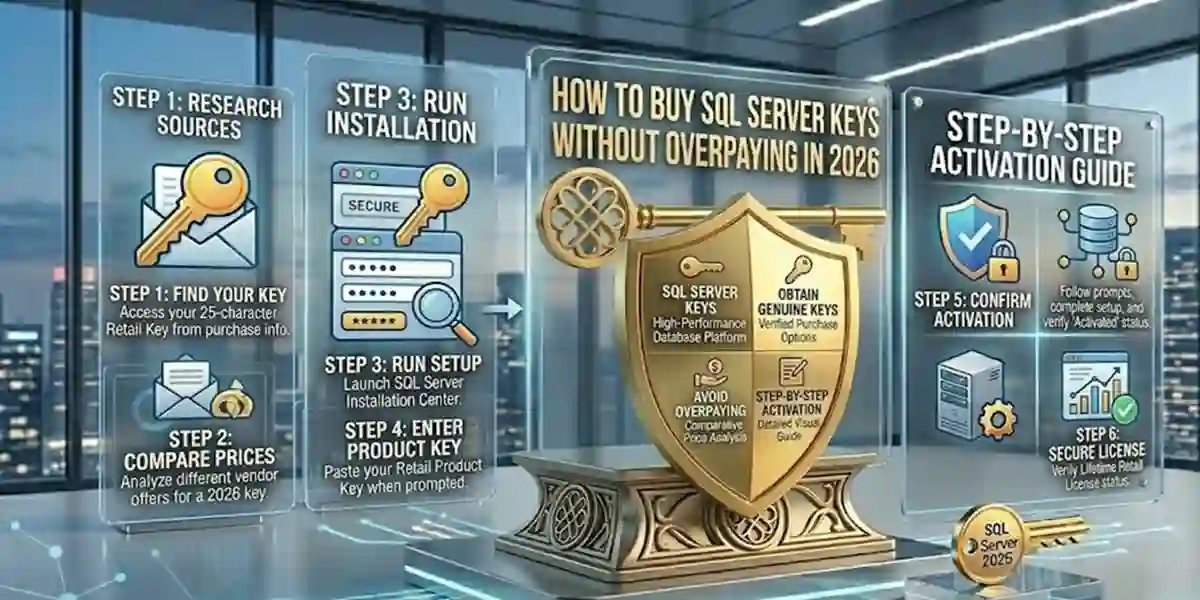
Introduction
Are you looking to purchase an affordable SQL Server key without overspending? SQL Server keys are essential for activating Microsoft SQL Server, unlocking advanced features for data management, analytics, and business intelligence. Finding genuine, cost-effective SQL Server licenses can be tricky, but with the right strategies, you can save money while ensuring security and reliability.
This guide will show you how to score the best SQL Server key deals from trusted sources like esoftwarestore and make sure your business software remains fully licensed and compliant. Let’s dive in!
What Are SQL Server Keys?
Before hunting for the best deals, it’s important to understand what SQL Server keys are. SQL Server is a powerful relational database management system (RDBMS) from Microsoft, powering enterprise applications, analytics platforms, and business intelligence solutions.
A SQL Server product key is required to activate the software on your computer or server. Without a valid key, you’ll miss out on premium features, performance optimizations, and official support. Make sure to get your SQL Server key from a trusted source like esoftwarestore to unlock the full capabilities of your database solutions.
How to Find Your SQL Server Product Key
Here are three reliable methods to locate your SQL Server product key quickly and securely:
1. Use a 1-Click SQL Server Product Key Finder
Product key finder tools scan your system and display keys for installed software, including SQL Server. Some popular tools include:
- ProduKey by NSoft – A free utility to locate Microsoft product keys. Simply download, open the program (no installation required), and retrieve your SQL Server key.
- Belarc Advisor – Provides detailed system information and license keys. Download and run the program to locate your SQL Server key.
- Magical Jelly Bean Keyfinder – Free and easy to use, this tool automatically scans your system for SQL Server and other software keys.
2. Use the Windows Registry Editor
You can find your SQL Server key in the Windows Registry. Be careful when editing the Registry:
- Press the Windows key and type
regeditto open the Registry Editor. -
Navigate to:
HKEY_LOCAL_MACHINE\SOFTWARE\Microsoft\Microsoft SQL Server\MSSQL.1\Setup - Double-click the ProductCode value to view your SQL Server key.
3. Use PowerShell
PowerShell can also retrieve your SQL Server product key via a registry script:
- Open PowerShell as Administrator.
- Copy and paste a script designed to fetch your SQL Server key from the system registry.
This method is quick and effective for IT administrators managing multiple servers.
Tips for Finding the Best SQL Server Key Deals
Once you know how to find your key, here’s how to get the best deals on SQL Server licenses:
1. Buy from Authorized Resellers
Always purchase from authorized SQL Server key resellers. Microsoft lists approved partners like esoftwarestore, ensuring you get genuine, secure, and fully licensed keys.
2. Compare Prices
Don’t settle for the first deal you find. Use comparison sites like Google Shopping or PriceGrabber to locate the lowest prices for SQL Server licenses.
3. Look for Promotions and Discounts
Take advantage of seasonal sales, coupon codes, and exclusive promotions. Retailers often offer discounts during Black Friday, Back-to-School, or other holiday events. Signing up for newsletters can also provide access to special SQL Server deals.
4. Consider Volume Licensing
Businesses requiring multiple SQL Server licenses can save with Microsoft volume licensing plans, which reduce per-license costs and simplify management.
5. Shop Safely on Online Marketplaces
Online platforms like Amazon and eBay may have lower prices, but always check seller credibility and ensure the keys are legally obtained and unused.
6. Look for Student and Educator Discounts
Students, educators, and academic institutions can access discounted SQL Server keys via Microsoft’s educational programs, helping you save substantially on software costs.
Conclusion
Finding affordable SQL Server keys doesn’t mean compromising on quality or security. By purchasing from trusted vendors like esoftwarestore, comparing prices, and keeping an eye on promotions, you can secure genuine SQL Server keys that fit your budget.
Always avoid counterfeit keys, and ensure your SQL Server installation is fully licensed to maintain security, performance, and compliance. Start your search for the best SQL Server deals today and enjoy reliable database management at a fraction of the cost.
Frequently Asked Questions (FAQ)
1. What is a SQL Server product key?
A SQL Server product key is a unique code required to activate Microsoft SQL Server. It unlocks all features, ensures compliance, and allows access to updates and support. Without it, SQL Server runs in limited functionality mode.
2. Where can I buy genuine SQL Server keys?
You should buy from authorized resellers like esoftwarestore to ensure your keys are legally obtained, secure, and supported. Avoid unofficial or suspicious online marketplaces.
3. Can I find a free SQL Server key online?
Free keys or cracks are illegal and unsafe. They can compromise your system with malware or lead to noncompliance. Always use authorized sources like esoftwarestore for legitimate keys.
4. How do I check if my SQL Server key is valid?
- Enter the key during installation or activation.
- Use SQL Server Setup or PowerShell scripts to validate the key.
- If problems occur, contact your vendor’s support.
5. Can I reuse a SQL Server key on another computer?
Retail keys usually have activation limits. You cannot freely transfer them without deactivating the previous installation. Volume licenses or Microsoft Enterprise Agreements are better for multi-server use.