

Blog
Adobe Acrobat Pro 3-Year Subscription | Unlock Advanced PDF Features and Tools

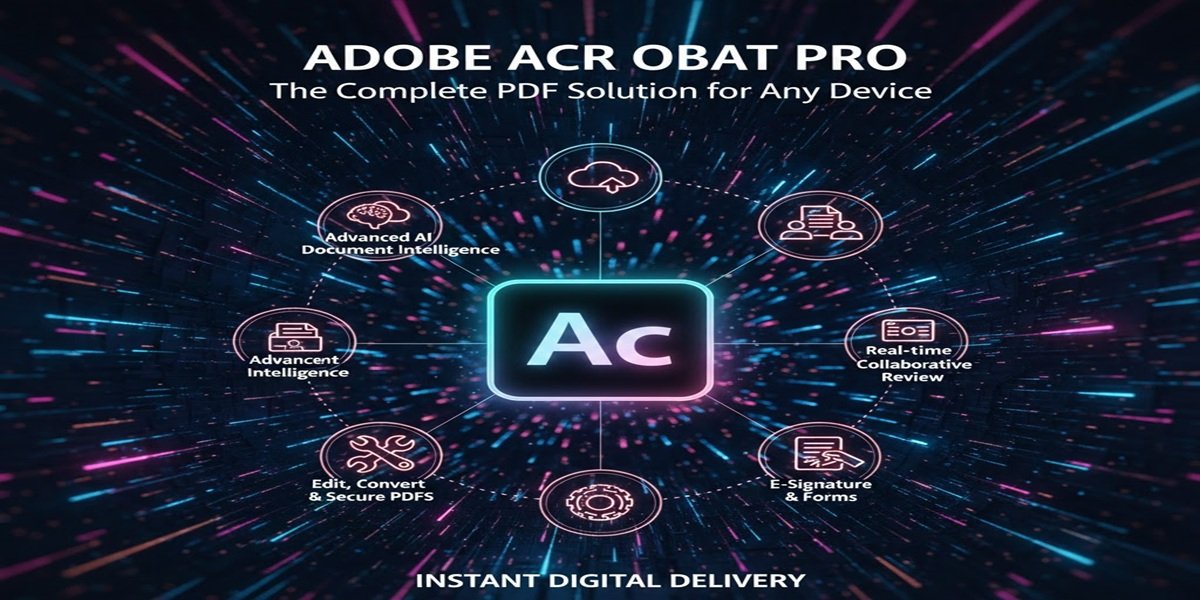
Introduction to Adobe Acrobat Pro 3-Year Subscription
Adobe Acrobat Pro is a powerful PDF editing software used by professionals around the world. Whether you’re creating forms, organizing documents, or adding annotations, Adobe Acrobat Pro makes it easier to manage PDFs with advanced tools and functionalities. By subscribing to Adobe Acrobat Pro for 3 years, you gain access to all the features, frequent updates, and support services that ensure your workflow remains smooth and efficient.
With the 3-year subscription, you’ll be able to access new features, bug fixes, and security updates as Adobe continually improves its software. This long-term commitment not only ensures that you have the best version of Adobe Acrobat Pro but also offers significant savings compared to monthly subscriptions.
Key Features of Adobe Acrobat Pro
1. PDF Creation and Conversion
Adobe Acrobat Pro allows you to create PDFs from virtually any application. With just a few clicks, you can convert Microsoft Office documents, web pages, and images into high-quality PDFs. It also supports converting PDFs to other formats, such as Word, Excel, PowerPoint, and HTML, without losing the integrity of the original content.
2. PDF Editing
Gone are the days when you needed to print a PDF to make edits. Adobe Acrobat Pro allows you to directly edit text, images, and links in a PDF. Whether you need to correct a typo, add an image, or resize elements, the built-in editing tools make it simple to modify PDFs.
3. PDF Signing and Security
Adobe Acrobat Pro makes it easy to sign and secure PDFs. You can digitally sign documents, apply password protection, and set permissions for file access. With the advanced security features, you can also redact sensitive information and use encryption to ensure your documents are safe from unauthorized access.
4. Collaboration and Review Tools
With Adobe Acrobat Pro, collaborating on documents is a breeze. You can share PDFs with others for feedback and comments, track revisions, and merge multiple reviews into a single document. The software enables real-time collaboration, making it ideal for teams working remotely or across different locations.
5. Optical Character Recognition (OCR)
Acrobat Pro includes OCR technology, which allows you to convert scanned documents or images into searchable and editable text. This is an invaluable tool for businesses dealing with paper-based documents or archived files that need to be digitized.
6. Document Organization
Whether you’re dealing with a single PDF or a collection of files, Adobe Acrobat Pro offers a range of tools to help you organize your documents. You can rearrange pages, add bookmarks, and even create PDFs from multiple sources, making it easier to manage your files and keep them organized.
7. Cloud Integration
Adobe Acrobat Pro integrates with Adobe Document Cloud, allowing you to store and access your PDFs from any device. You can work on documents across different platforms, whether you’re using a PC, Mac, or mobile device. The cloud functionality also makes it easier to share documents securely with others.
8. Advanced Export Options
The software lets you export PDFs into a wide variety of formats, including Word, Excel, PowerPoint, and HTML. The conversion tools are highly accurate, preserving the original formatting and layout as much as possible. Whether you need to convert a document for further editing or sharing, Adobe Acrobat Pro offers an efficient solution.
How to Install Adobe Acrobat Pro
Installing Adobe Acrobat Pro is a straightforward process. Here’s how you can do it:
Step 1: Purchase the 3-Year Subscription
Before you can install Adobe Acrobat Pro, you need to purchase the 3-year subscription. You can do this directly from Adobe’s website or through trusted resellers like eSoftwareStore, which often offers competitive pricing and additional customer support.
Step 2: Download the Installer
Once you’ve made your purchase, you’ll receive a download link from Adobe or the reseller. Simply click the link and download the installer to your computer.
Step 3: Run the Installer
After the download is complete, double-click the installer file to begin the installation process. Follow the on-screen instructions to install Adobe Acrobat Pro on your system. The installation typically takes a few minutes, depending on your internet connection and system specifications.
Step 4: Sign In to Your Adobe Account
Once the software is installed, open Adobe Acrobat Pro. You’ll be prompted to sign in with your Adobe ID. If you don’t already have an Adobe account, you can create one during this process.
Step 5: Activate the Software
After logging in, enter your product key or sign in with your Adobe account to activate your subscription. Once activated, you can begin using all the features Adobe Acrobat Pro offers.
Licensing Options for Adobe Acrobat Pro
When it comes to Adobe Acrobat Pro, there are several licensing options to suit different needs. For individuals and businesses looking for long-term access, the 3-year subscription is an excellent choice. Here’s a quick rundown of Adobe Acrobat Pro’s licensing options:
1. Individual License
This is the most common license type, suitable for individual users who need access to the full set of features. The 3-year subscription is ideal for individuals who want to avoid the hassle of monthly payments and enjoy significant savings.
2. Volume License
If you’re managing a team or organization, Adobe offers volume licensing that allows you to purchase multiple licenses at a discounted rate. This option makes it easier to manage user access and ensure all employees have the latest version of Adobe Acrobat Pro.
3. Enterprise License
Large organizations with more complex needs can opt for Adobe Acrobat Pro’s enterprise licensing. This solution provides centralized management and ensures that your team can collaborate and access the tools they need, while also benefiting from volume discounts and enterprise-level support.
Why Choose eSoftwareStore for Adobe Acrobat Pro Subscription?
eSoftwareStore is a trusted platform for purchasing Adobe Acrobat Pro and other software. Here are a few reasons why you should consider buying from eSoftwareStore:
1. Competitive Pricing
eSoftwareStore offers competitive prices on Adobe Acrobat Pro, often providing discounts and special offers that can save you money on your subscription.
2. Trusted Reseller
eSoftwareStore is an authorized Adobe reseller, ensuring that you receive a legitimate copy of Adobe Acrobat Pro, along with full support and updates.
3. Excellent Customer Support
eSoftwareStore’s customer support team is always ready to help with any questions or issues you might encounter during the purchasing or installation process. Whether you need assistance with installation or troubleshooting, their team is available to provide expert guidance.
4. Fast and Easy Downloads
Once you make your purchase, you can download Adobe Acrobat Pro directly from eSoftwareStore’s secure platform. The download process is quick, and you’ll receive your product key almost immediately.
5. Safe and Secure Transactions
eSoftwareStore uses encrypted payment methods to ensure that your transactions are safe and secure. Your personal and financial information is protected, so you can shop with confidence.
Conclusion
Adobe Acrobat Pro is a robust solution for anyone working with PDFs, offering an array of tools that make document creation, editing, signing, and collaboration easier than ever. A 3-year subscription provides access to all the latest features and updates, ensuring that you stay ahead of the curve when it comes to managing PDF files. With options for individual users, businesses, and large organizations, Adobe Acrobat Pro is an essential tool for anyone who regularly works with PDFs.
eSoftwareStore offers a great way to get Adobe Acrobat Pro at competitive prices, backed by excellent customer support and secure transactions. Whether you’re an individual or part of a large team, Adobe Acrobat Pro’s 3-year subscription provides excellent value and flexibility.
FAQ
1. Can I use Adobe Acrobat Pro offline?
Yes, Adobe Acrobat Pro can be used offline, but some features, like cloud storage and collaboration tools, require an internet connection.
2. What happens if I don’t renew my 3-year subscription?
If you don’t renew your subscription, you will lose access to updates and new features. However, you will still be able to use the version of the software that was installed before your subscription expired.
3. Can I transfer my Adobe Acrobat Pro license to another computer?
Yes, Adobe allows you to transfer your license to another computer. Simply deactivate the license on the original device and install it on the new one.
4. Does Adobe Acrobat Pro support all PDF formats?
Yes, Adobe Acrobat Pro supports a wide range of PDF formats and can also convert PDFs into other formats like Word, Excel, and PowerPoint.
5. How do I contact Adobe support?
If you encounter any issues with Adobe Acrobat Pro, you can contact Adobe support through their website or via phone for assistance with troubleshooting and technical support.