

Blog
How to Activate Microsoft Access 2016 Key | Step-by-Step 2025 Guide

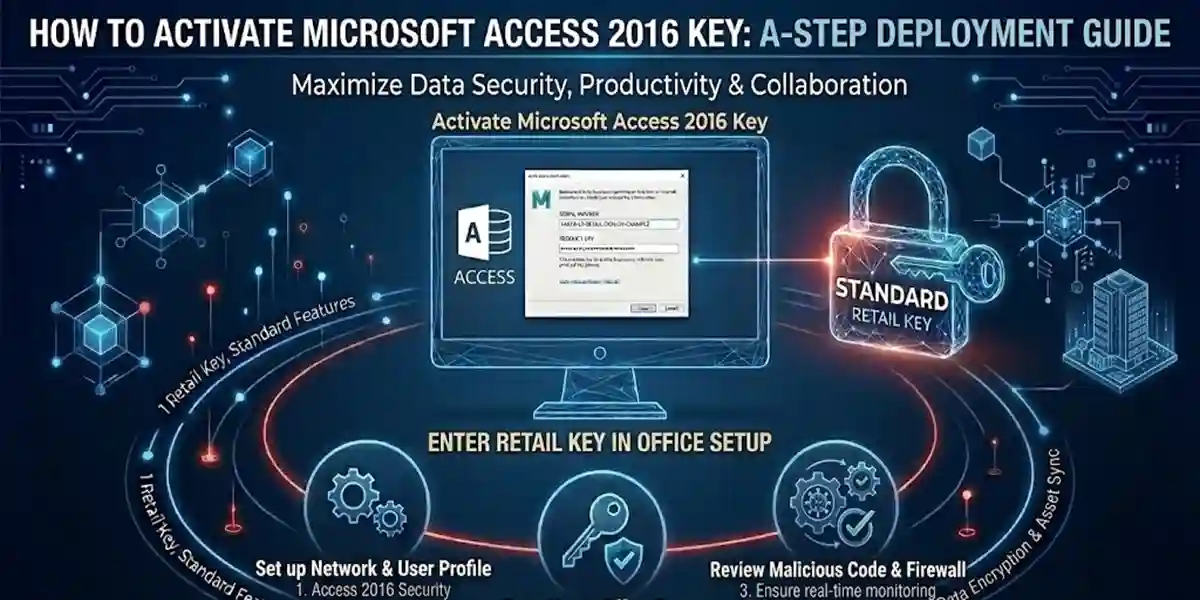
Introduction
Microsoft Access 2016 is one of the most versatile database management systems (DBMS) available, designed for both individual users and businesses. It provides a robust platform to create, manage, and analyze relational databases efficiently. Whether you are a developer building custom applications, a business professional managing client data, or a student learning database concepts, Access 2016 is an essential tool.
However, to unlock all its advanced capabilities, a genuine Microsoft Access 2016 Key is required. Using unauthorized or counterfeit keys can lead to multiple problems, including:
-
Activation errors and software deactivation
-
Missing security and feature updates
-
Potential exposure to malware or security vulnerabilities
-
Legal consequences for using pirated software
Key Features of Microsoft Access 2016
Microsoft Access 2016 is not just a simple database program; it is a comprehensive platform for database creation, management, and reporting. Here are its key features in detail:
-
Secure Activation with Genuine Key
A genuine Microsoft Access 2016 Key guarantees server verification and full licensing compliance. This ensures that you receive official updates, security patches, and full support from Microsoft. -
Advanced Database Tools
Access 2016 allows users to create relational databases with tables, forms, queries, and reports. Advanced tools include data macros, validation rules, and relationships management, enabling powerful data organization and analysis. -
Microsoft 365 Integration
With seamless integration into the Microsoft 365 ecosystem, Access 2016 works perfectly with Excel, Word, Outlook, and Power BI, allowing you to import/export data, create automated reports, and generate data-driven insights efficiently. -
Enhanced Security
Protect sensitive data using encryption, user-level permissions, and role-based access controls. This feature is crucial for businesses that need to ensure compliance with data privacy regulations. -
User-Friendly Interface
Access 2016 features an intuitive, ribbon-based interface with templates, drag-and-drop forms, and wizards, making it easy even for beginners to design databases without extensive coding knowledge. -
Automatic Updates
Once activated with a genuine key, Access 2016 automatically receives official updates and patches, ensuring the software remains secure, stable, and optimized with the latest features. -
Multi-Device Support
Depending on the license type, some Access 2016 versions allow installation across multiple devices, making it ideal for teams and organizations that require database access on multiple systems.
Common Activation Errors and How to Fix Them
Even with a genuine Microsoft Access 2016 Key, activation issues can occur due to software misconfiguration, network problems, or human error. Here’s a detailed guide to common errors and their fixes:
| Error | Cause | Fix |
|---|---|---|
| Invalid Product Key | Key entered incorrectly or mismatched with the software version | Re-check the key carefully, ensure it matches the version of Access 2016, and re-enter |
| Activation Server Unavailable | Network or firewall issues preventing communication with Microsoft servers | Check your internet connection, disable firewall temporarily, and retry activation |
| Software Deactivated | License deactivated or counterfeit key | Use the correct product key, ensure it’s genuine, and activate through Microsoft servers |
| Key Already in Use | Key used on multiple devices beyond license limits | Deactivate previous installations or contact Microsoft support for assistance |
| Cannot Connect to Activation Server | VPN, proxy, or admin permission issues | Run Access as administrator, temporarily disable VPN/firewall, and try again |
Methods to Activate Microsoft Access 2016 Key
Activating Access 2016 can be done via online, offline, or subscription-based methods depending on your setup and network availability.
1. Online Activation
The simplest method for individual users with an internet connection:
-
Open Microsoft Access 2016.
-
Enter your product key when prompted.
-
Sign in with your Microsoft account.
-
Activation is instant, and your software is ready to use.
2. Offline Activation
Ideal for offline systems or restricted networks:
-
Open Access 2016 → Click on Activate Offline.
-
Generate a request code.
-
Submit the request code to Microsoft via phone or another device with internet access.
-
Receive a response code from Microsoft.
-
Enter the response code in Access to complete activation.
3. Subscription Activation (Microsoft 365)
For users with Microsoft 365 subscription:
-
Log in with your Microsoft 365 account.
-
Access 2016 will automatically activate under your subscription plan.
Activation Formulas / Commands (Advanced)
For IT administrators or volume license users, command-line activation offers automation and centralized management:
-
This command validates your key directly with Microsoft servers.
-
Useful for bulk activation in organizations.
-
Requires administrative privileges.
Conclusion
Activating Microsoft Access 2016 with a genuine key is essential for security, compliance, and full functionality. It ensures smooth operation, reliable updates, Microsoft 365 integration, and protection against unauthorized use.
Using counterfeit keys might seem tempting, but it risks software deactivation, security vulnerabilities, and legal issues. By following the activation methods and best practices outlined in this guide, you can enjoy the full power of Microsoft Access 2016 for managing your databases efficiently, securely, and confidently.
For businesses, developers, and professionals, a legitimate Microsoft Access 2016 Key is not just a purchase—it’s an investment in reliable, secure, and optimized database management.
FAQ
Q1: Can I use one Microsoft Access 2016 Key for multiple devices?
-
Depending on the license type, some keys support multi-device activation.
Q2: What should I do if my key doesn’t activate?
-
Verify the product version, check for typos, and contact Microsoft or Codesforever support.
Q3: Is it safe to buy Microsoft Access 2016 Keys at discounted prices?
-
Only buy from trusted vendors like Codesforever to ensure authenticity.
Q4: Can I activate Access 2016 offline?
-
Yes, using the offline activation method with request/response codes from Microsoft.
Q5: How can I avoid counterfeit Microsoft Access keys?
-
Purchase from verified sellers with positive reviews, like Codesforever, and avoid keys requiring KMS activators or unofficial scripts.