

Blog
How to Activate CorelDRAW Graphics Suite 2025 Easily

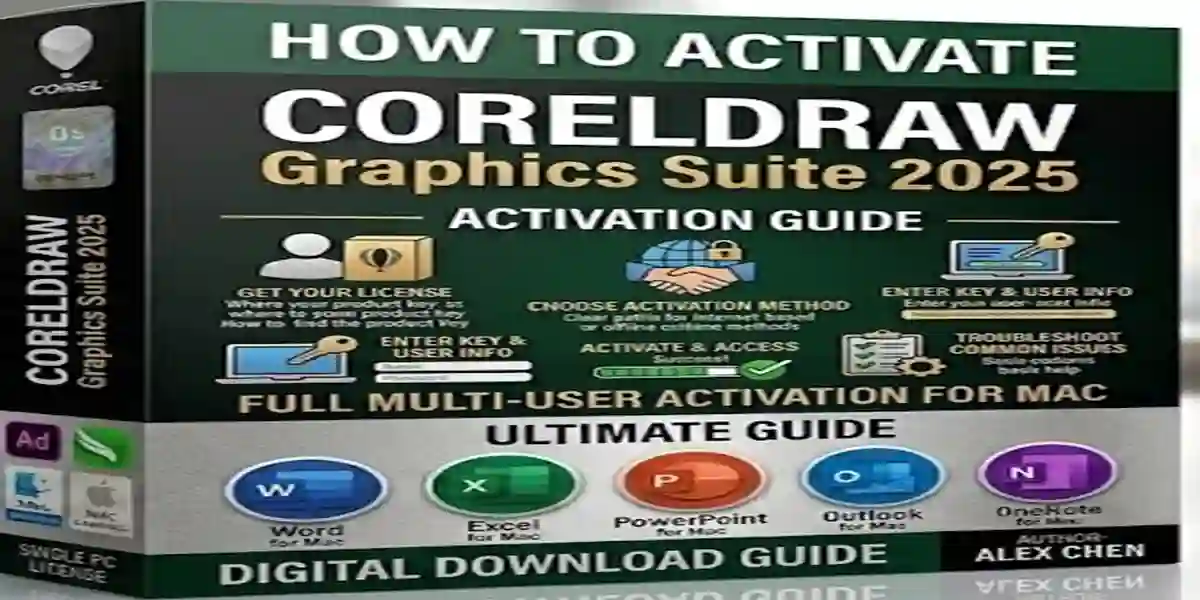
Introduction
CorelDRAW Graphics Suite 2025 is one of the most advanced and versatile graphic design software suites available for creative professionals. Whether you’re a designer, marketer, artist, or business professional, CorelDRAW 2025 provides an all-in-one solution for vector illustration, photo editing, page layout, typography, and AI-powered design enhancements.
Activating CorelDRAW 2025 is essential to unlock all features and ensure full functionality on your computer. Without activation, users may experience restricted access, limited features, or persistent reminders to activate. This guide will provide a step-by-step approach to activating CorelDRAW 2025, troubleshoot common issues, and help you get started with professional-grade designs.
Features of CorelDRAW Graphics Suite 2025
CorelDRAW 2025 includes powerful tools and features that make it ideal for professional designers:
1. Vector Illustration Tools
- Precision drawing tools for logos, illustrations, and scalable designs.
- Advanced node editing and Bézier curve adjustments.
- AI-assisted tracing for converting raster images to vectors.
2. Page Layout & Design
- Multi-page layouts for brochures, flyers, reports, and magazines.
- Master pages and templates for consistent branding.
- Advanced typography controls and font management.
3. AI-Powered Photo Editing
- Corel PHOTO-PAINT integration for professional photo editing.
- AI background removal, object detection, and image enhancement.
- Layer-based editing for precise and flexible design.
4. Typography Tools
- OpenType font support and advanced text effects.
- Professional layout for print, web, and marketing materials.
- Font management to organize large font libraries.
5. Productivity & Collaboration
- AI-powered tools accelerate workflow and design processes.
- Pre-designed templates, presets, and design assets.
- Real-time collaboration for team projects and shared editing.
6. Cross-Platform Support
- Compatible with Windows and macOS.
- Supports AI, PSD, PDF, PNG, JPG, SVG, and more.
- Export options for print, digital, and web platforms.
Common Errors During Activation and Their Fixes
Even experienced users may encounter issues during activation. Here are common errors and solutions:
1. Error: License Key Not Recognized
Cause: Invalid or incorrect product key.
Fix:
- Ensure the 25-character key is entered correctly.
- Confirm it is purchased from an authorized seller.
- Contact Corel support if the key remains unrecognized.
2. Error: Internet Connection Required
Cause: Activation requires an internet connection.
Fix:
- Connect to a stable internet network.
- Disable firewall or VPN temporarily during activation.
3. Error: Software Won’t Launch
Cause: Corrupted installation or missing files.
Fix:
- Uninstall and reinstall CorelDRAW 2025.
- Run the application as administrator.
- Check system requirements for compatibility.
4. Error: Activation Limit Reached
Cause: CorelDRAW license can only be used on a specific number of devices.
Fix:
- Deactivate the license on old or unused devices.
- Manage your licenses via your Corel account.
5. Error: Offline Activation Failure
Cause: Improper offline request code.
Fix:
- Generate a valid offline request code from Corel.
- Enter the response code correctly.
- Contact Corel support for assistance if needed.
Methods to Activate CorelDRAW Graphics Suite 2025
There are multiple methods to activate CorelDRAW 2025 depending on your purchase type:
Method 1: Activation via Product Key
- Open CorelDRAW Graphics Suite 2025.
- Click Activate Now when prompted.
- Enter the 25-character product key.
- Sign in to your Corel account if required.
- Click Activate to complete the process.
Method 2: Corel Account Activation
- Sign in to your Corel account during installation.
- Select your license from your account.
- Activation will occur automatically for your device.
Method 3: Offline Activation
- Generate an offline request code during installation.
- Visit Corel’s activation website and enter the request code.
- Copy the response code back into CorelDRAW 2025.
- Activation will complete without an internet connection.
Method 4: Volume License Activation (Enterprise Use)
- Enterprises using multiple installations may use a volume license key.
- Enter the MAK or KMS key during installation.
- IT teams can activate CorelDRAW 2025 across multiple computers efficiently.
Conclusion
Activating CorelDRAW Graphics Suite 2025 is essential to access the full suite of professional design tools, including vector illustration, page layout, photo editing, typography, and AI enhancements. Following proper activation methods ensures uninterrupted use, avoids errors, and maximizes productivity. By troubleshooting common issues and using either product key, Corel account, offline, or volume license methods, designers, businesses, and creative professionals can unlock the software’s full potential for stunning, professional-quality designs.
Frequently Asked Questions (FAQ)
1. Can I activate CorelDRAW 2025 on multiple devices?
Activation is limited to the number of devices allowed by your license type. Enterprise licenses support multiple installations.
2. Do I need internet to activate CorelDRAW 2025?
Online activation requires internet, but offline activation is possible with a request and response code.
3. What if my product key is not recognized?
Verify key accuracy and ensure it’s purchased from an authorized source. Contact Corel support if problems persist.
4. Is CorelDRAW 2025 compatible with Mac and Windows?
Yes, it supports both Windows and macOS.
5. Can I use CorelDRAW 2025 offline after activation?
Yes, all tools can be used offline once the license is activated.