

Blog
Best Antivirus Solutions for Windows 11 in 2025 – Ultimate Security Guide

Introduction
In today’s increasingly digital world, having robust cybersecurity is essential to protect your devices from cyber threats like malware, ransomware, and phishing. While Windows 11 comes with built-in security features, relying solely on them may not be enough to defend against sophisticated cyberattacks. This is where third-party antivirus software plays a crucial role in keeping your system safe.
In this article, we review the best antivirus software for Windows 11 in 2025, helping you choose the right protection based on your specific needs.
Why Built-In Protection Isn’t Enough for Windows 11
Windows 11 includes a variety of security tools, such as Windows Defender and firewall protection, but these serve as basic defenses. They often lack advanced features needed to tackle modern threats, such as:
-
Behavioral detection to identify new and evolving malware.
-
Real-time ransomware prevention to stop encryption attacks.
-
Web protection to block malicious websites and downloads.
-
Identity theft protection to safeguard your personal data.
With cybercriminals using techniques like zero-day exploits, AI-powered phishing, and polymorphic malware, Windows Defender alone struggles to provide comprehensive protection. A third-party antivirus ensures extra layers of security to keep your data safe.
The Importance of Layered Security for Windows 11
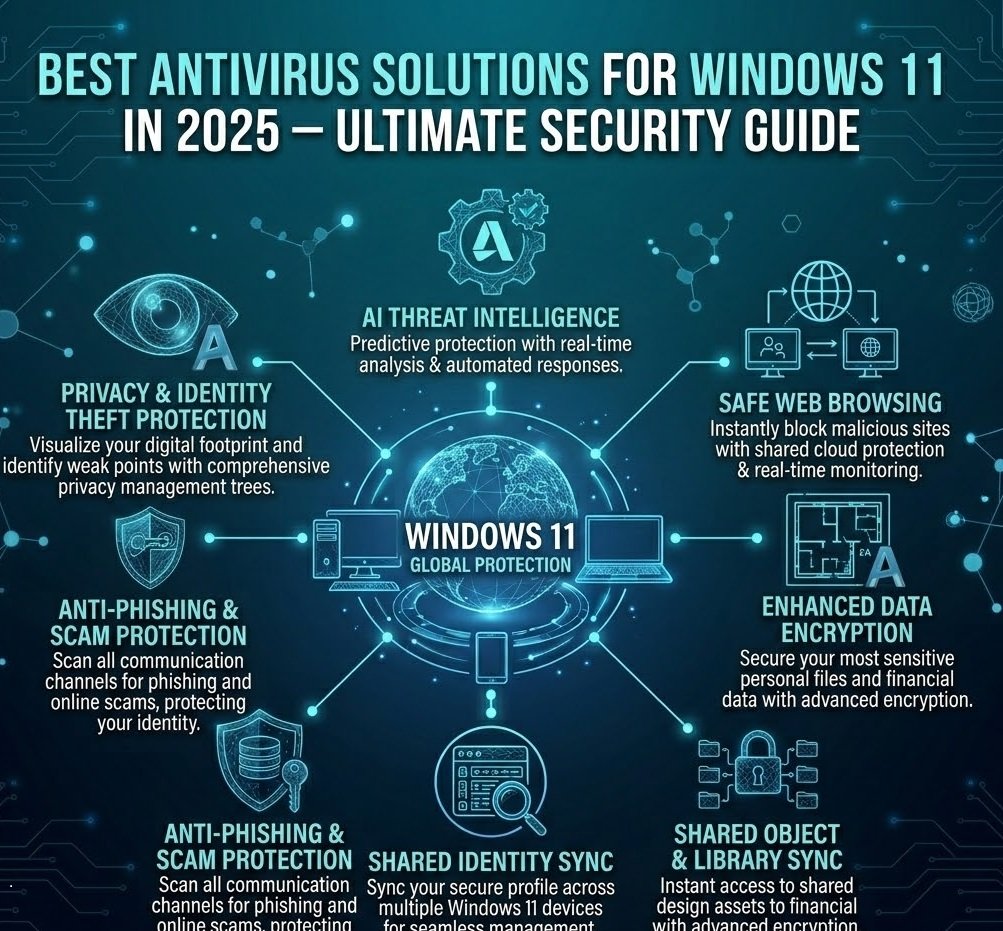
To protect your Windows 11 system in 2025, a layered security approach is essential. This approach combines multiple defensive measures, working together to provide maximum protection. Here’s how a top-tier antivirus works:
-
Real-time protection against the latest threats.
-
Behavioral analytics to detect unusual activity.
-
Encrypted browsing for secure online activity.
-
AI-driven threat detection to stay ahead of emerging malware.
-
Identity and financial data monitoring for comprehensive protection.
Let’s explore the top antivirus solutions for Windows 11 in 2025 that excel in these areas.
Top 5 Antivirus Software for Windows 11 in 2025
1. McAfee Total Protection – Best for All-Around Security
Price: From $23.99/year
Best for: Comprehensive protection across multiple devices.
McAfee Total Protection offers everything you need for Windows 11 security. It provides real-time malware protection, identity theft safeguards, a secure VPN, and a smart firewall, all in one easy-to-use package. Whether you’re a home user or a business, McAfee ensures that your personal data and online activity remain safe without compromising system performance.
Key Features:
-
Ransomware protection with Ransom Guard.
-
AI-driven real-time protection against the latest malware.
-
Integrated VPN & firewall for encrypted browsing.
-
Identity theft protection and recovery tools.
-
24/7 customer support for quick assistance.
2. Norton 360 with LifeLock – Best for Identity Theft Protection
Price: From $49.99/year
Best for: Users who prioritize identity theft protection.
Norton 360 with LifeLock combines antivirus protection with advanced identity theft monitoring. If you’re concerned about data breaches and financial fraud, this is the perfect solution. LifeLock actively monitors your personal information, alerting you to potential identity threats. It also includes a secure VPN and cloud backup to protect your sensitive data on Windows 11 devices.
Key Features:
-
LifeLock Identity Theft Protection with monitoring and support.
-
Secure VPN for encrypted internet browsing.
-
Cloud backup to protect files from ransomware and loss.
-
Parental controls for managing online activity.
3. Bitdefender Antivirus Plus – Best for Silent, Set-It-and-Forget-It Protection
Price: From $44.99/year
Best for: Users who need minimal interaction with their antivirus.
Bitdefender Antivirus Plus is a great option for those who want solid protection without being bombarded with pop-ups or notifications. Its Autopilot Mode handles security tasks automatically, so you don’t have to worry about manual configuration. Bitdefender’s AI-driven threat detection ensures that your Windows 11 device stays safe without slowing you down.
Key Features:
-
Autopilot Mode for hands-free security management.
-
Advanced malware and ransomware detection.
-
Web attack prevention to block harmful websites.
-
Behavioral detection for proactive threat blocking.
4. Kaspersky Total Security – Best for Family Safety and Parental Controls
Price: From $49.99/year
Best for: Families needing comprehensive protection and parental controls.
Kaspersky Total Security is ideal for families with multiple Windows 11 devices. It offers parental controls that help monitor online activity, set time limits, and block inappropriate content. Additionally, it comes with a secure VPN, password manager, and strong malware protection to safeguard your whole family.
Key Features:
-
Parental controls for safer online browsing for kids.
-
Password manager for secure password storage and management.
-
Secure VPN for private and anonymous browsing.
-
Real-time malware protection with automatic updates.
5. Avast Premium Security – Best for Secure Online Transactions
Price: From $34.99/year
Best for: Users prioritizing online privacy and secure transactions.
Avast Premium Security is designed for users who engage in online banking and shopping. With features like Real Site, Avast ensures that you connect to legitimate websites, protecting you from phishing attacks and fake banking sites. Its Wi-Fi Inspector also scans your network for vulnerabilities, securing your home or public connections.
Key Features:
-
Real Site to prevent DNS hijacking and fake websites.
-
Wi-Fi Inspector to identify network vulnerabilities.
-
Advanced anti-phishing protection to block malicious emails and websites.
-
Ransomware Shield to protect files from unauthorized access.
How to Choose the Best Antivirus Software for Windows 11 in 2025
When choosing the best antivirus for Windows 11, consider factors like:
-
Protection Level: Do you need real-time malware protection, identity theft safeguards, or secure browsing?
-
Ease of Use: Look for antivirus software with a user-friendly interface and minimal system impact.
-
Additional Features: Features like VPN, parental controls, and cloud backup can be essential for added security.
-
Pricing: Consider the pricing and choose the plan that offers the best value for your needs.
-
System Compatibility: Ensure the antivirus is compatible with your version of Windows 11 and works seamlessly with other applications.
Final Thoughts on the Best Antivirus Software for Windows 11 in 2025
While Windows 11 offers built-in security features, it’s clear that third-party antivirus software provides the extra layers of protection needed in today’s cyber landscape. McAfee Total Protection, Norton 360, Bitdefender Antivirus Plus, Kaspersky Total Security, and Avast Premium Security are all excellent choices in 2025, each excelling in specific areas like identity theft protection, family safety, secure transactions, and ease of use.
Ultimately, the best antivirus software for Windows 11 will depend on your specific needs, whether it’s real-time protection, secure browsing, or advanced privacy tools.
FAQs About Antivirus Software for Windows 11 in 2025
-
Is Windows Defender enough for security in 2025?
-
Windows Defender offers basic protection but lacks advanced features like ransomware prevention, identity theft monitoring, and VPN. A third-party antivirus provides additional layers of defense.
-
-
Can I use free antivirus software for Windows 11?
-
Free antivirus software may offer basic protection, but premium antivirus options provide more advanced features such as real-time protection, VPN, and identity theft monitoring.
-
-
What is the best antivirus for Windows 11 in 2025?
-
McAfee Total Protection and Norton 360 are top choices, offering comprehensive protection and advanced features like identity theft protection and secure VPN.
-
-
How often should I update my antivirus software?
-
Antivirus software should update its virus definitions automatically, but it’s important to check for updates regularly to ensure the latest protection.
-
-
How does antivirus software impact my system performance?
-
Look for antivirus software that offers lightweight protection with minimal system impact, like Bitdefender and Norton, ensuring your system runs smoothly.
-