

Blog
How to Activate Microsoft Word 2024 Key BIND Safely

Introduction
Microsoft Word 2024 is the latest version of Microsoft’s popular word processing software. With advanced editing tools, collaboration features, and seamless Microsoft 365 integration, Word 2024 is ideal for students, professionals, and businesses.
Using a genuine Microsoft Word 2024 BIND Key is essential to unlock all features, receive automatic updates, and ensure security. Counterfeit keys can cause activation errors, missing updates, and software deactivation.
This guide covers features, common errors, fixes, activation methods, formulas, and FAQs, helping you activate Microsoft Word 2024 BIND Key safely and efficiently.
Key Features of Microsoft Word 2024
-
Secure Activation: Verified with Microsoft servers for full licensing compliance.
-
Real-Time Collaboration: Share documents and co-edit seamlessly.
-
AI-Powered Editing: Grammar, style, and predictive text suggestions.
-
Microsoft 365 Integration: Work across Excel, PowerPoint, Outlook, and Teams.
-
Templates & Smart Tools: Professional templates, charts, and formatting tools.
-
Cloud Storage Access: Save and access documents on OneDrive securely.
-
Advanced Security: Protect documents with encryption and permissions.
-
Multi-Device Support: Install on multiple devices depending on your license.
Common Errors & Fixes
| Error | Cause | Fix |
|---|---|---|
| Invalid Product Key | Key mismatch or typos | Recheck the key and ensure correct version |
| Activation Server Unavailable | Network/firewall issues | Check internet connection, temporarily disable firewall |
| Key Already in Use | Exceeded device limit | Deactivate old devices or contact Microsoft support |
| Cannot Connect to Activation Server | VPN or admin restrictions | Run Word as admin, disable VPN, retry |
| License Expired | Subscription ended | Renew your license or purchase a new key |
Formulas / Commands for Advanced Users
For volume licenses or IT administrators, Microsoft Word 2024 can be activated via command-line:
-
Validates the key directly with Microsoft servers
-
Useful for bulk activations in organizations
-
Requires administrator privileges
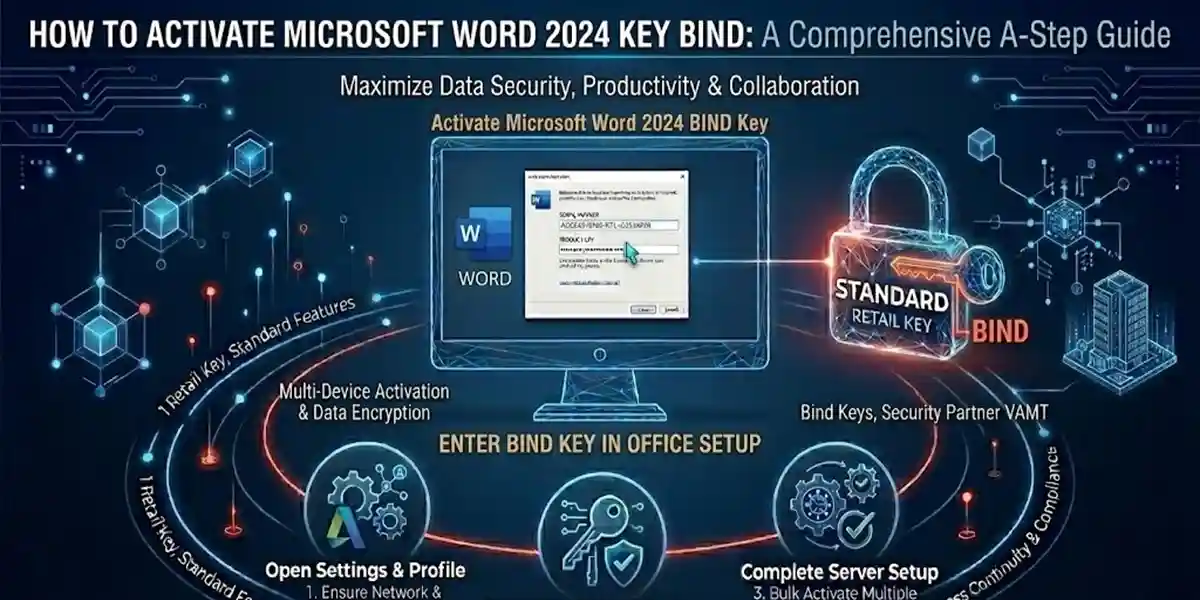
Methods to Activate Microsoft Word 2024 BIND Key
1. Online Activation
-
Open Microsoft Word 2024.
-
Enter the BIND Key.
-
Sign in with your Microsoft account.
-
Activation is instant.
2. Offline Activation
-
Open Word → Click Activate Offline.
-
Generate a request code.
-
Submit it to Microsoft via another device.
-
Receive a response code and enter it to complete activation.
3. Microsoft 365 Subscription Activation
-
Log in with your Microsoft 365 account.
-
Word 2024 activates automatically under your subscription.
4. License Transfer
-
Transfer your license from an old device to a new one via your Microsoft account.
Conclusion
Activating Microsoft Word 2024 with a genuine BIND Key ensures full access to features, updates, and seamless integration with Microsoft 365. Using counterfeit keys can lead to activation errors, security risks, and missing updates.
A legitimate key guarantees reliability, smooth operation, and compliance, making it ideal for professionals, students, and businesses alike.
FAQ
Q1: Can I use the same Word 2024 BIND key on multiple devices?
A: Depends on your license. Single-device keys work on one PC, multi-device keys allow 3–5 installations.
Q2: Why does my key show as invalid?
A: Check for typos, ensure version match, and contact Microsoft support if needed.
Q3: How do I activate Word 2024 offline?
A: Generate a request code from another device and input it manually in Word.
Q4: What should I do if my license expires?
A: Renew through your Microsoft account or purchase a new key.
Q5: Does activation require Microsoft 365 subscription?
A: No, but it simplifies updates and cloud integration.