

Blog
How to Activate Windows 11 Enterprise LTSC 2024 – A Complete Step-by-Step Guide

Introduction:
Windows 11 Enterprise LTSC 2024 is designed for organizations and businesses that require stability, minimal feature updates, and long-term support. Unlike regular Windows 11, which frequently receives feature updates, the LTSC version focuses on providing a secure and stable environment, with only essential updates, such as security patches and bug fixes. It’s the ideal solution for mission-critical systems like point-of-sale (POS) systems, medical devices, ATMs, and other specialized devices.
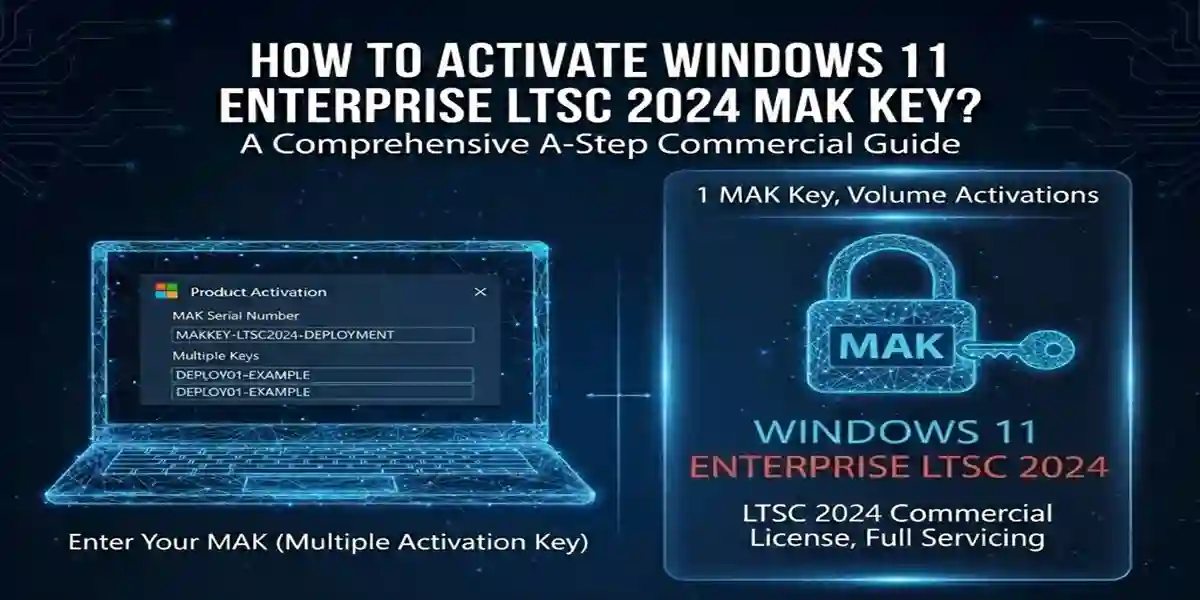
Activating Windows 11 Enterprise LTSC 2024 can be done using a Multiple Activation Key (MAK), Key Management Service (KMS), or digital license. This article will guide you through the activation process, common activation errors, troubleshooting fixes, and the best method to activate your Windows 11 LTSC 2024.
Key Features of Windows 11 Enterprise LTSC 2024:
-
Long-Term Support (LTS):
-
5 years of mainstream support and 5 years of extended support ensure that your systems remain secure and up-to-date with essential patches.
-
-
Minimal Feature Updates:
-
Unlike regular Windows 11, Windows 11 Enterprise LTSC 2024 does not receive frequent feature updates, allowing businesses to avoid disruptions and system instability.
-
-
Enhanced Security:
-
Windows Defender, BitLocker, AppLocker, and Device Guard protect sensitive data from cyber threats.
-
-
Zero-Touch Deployment:
-
Zero-Touch Deployment simplifies the deployment process, allowing IT teams to install and configure Windows 11 on multiple devices simultaneously without much intervention.
-
-
Optimized for Specialized Devices:
-
Ideal for kiosks, POS systems, ATMs, and other dedicated devices that require a stable, feature-minimal operating system.
-
-
No Bloatware:
-
Free from unnecessary apps, Windows 11 Enterprise LTSC 2024 runs efficiently, improving system performance and reducing the footprint of unnecessary software.
-
Common Activation Errors & Fixes:
-
Error: “The product key you entered didn’t work.”
-
Cause: Typing errors or entering the wrong version of the product key.
-
Fix: Double-check the MAK key for accuracy. Make sure you’re using the correct version of the key (Enterprise LTSC version).
-
-
Error: “Windows can’t activate right now.”
-
Cause: The system is unable to connect to Microsoft’s activation servers due to network issues.
-
Fix: Ensure that the system is connected to the internet and try activating again. You may need to restart the computer.
-
-
Error: “Activation failed: Invalid Key.”
-
Cause: The MAK key has been used up or is incorrect.
-
Fix: Confirm that the MAK key is valid and hasn’t exceeded the activation limit. If the issue persists, contact Microsoft support for assistance.
-
-
Error: “We can’t activate Windows because we’re unable to connect to your organization’s activation server.”
-
Cause: This happens when using KMS for activation and the server is unreachable.
-
Fix: Make sure the device is connected to your organization’s network or VPN, or reach out to your IT department to ensure the KMS server is accessible.
-
-
Error: “The Activation Server is Temporarily Unavailable.”
-
Cause: Microsoft’s activation servers might be down.
-
Fix: Wait for a while and try again later. Check the Microsoft service status page for any ongoing outages.
-
Methods to Activate Windows 11 Enterprise LTSC 2024:
-
Using a MAK Key:
-
Step-by-Step Guide:
-
Open Settings → System → Activation.
-
Click Change product key and enter your 25-character MAK key.
-
Click Next to continue the activation process.
-
Follow the on-screen instructions to complete activation.
-
-
-
Using Phone Activation:
-
If the device cannot connect to the internet, use phone activation.
-
Select Activate by phone when prompted.
-
Dial the number provided, enter your installation ID, and receive a confirmation ID to enter on the activation screen.
-
-
-
Using KMS Server (for Enterprise Environments):
-
If you are in a large enterprise setting, you can use a KMS server to activate multiple devices at once.
-
Ensure that your device is connected to the corporate network where the KMS server is accessible.
-
Windows will automatically communicate with the KMS server and activate the system.
-
-
-
Digital License Activation:
-
If Windows 11 Enterprise LTSC 2024 came pre-installed on the device or if you’re upgrading from a previous version, activation may be done automatically through a digital license associated with your Microsoft account.
-
Understanding Licenses for Windows 11 Enterprise LTSC 2024
When it comes to activating Windows 11 Enterprise LTSC 2024, it’s essential to understand the different licensing models available. Windows 11 Enterprise LTSC offers flexible licensing options to suit the needs of businesses, organizations, and enterprises. Here’s a breakdown of the key license types and how they work:
1. Multiple Activation Key (MAK)
What is it?
A Multiple Activation Key (MAK) is a unique product key that allows for the activation of a specific number of devices. It’s a one-time-use key, which means it can be used to activate multiple installations of Windows 11 Enterprise LTSC 2024, but once the set limit of activations is reached, the key can no longer be used.
When to use it:
-
Small to medium-sized businesses or organizations that only need to activate a limited number of devices.
-
One-time activation for each machine, so it’s ideal for businesses with a smaller fleet of devices or offices.
How it works:
-
A MAK key is manually entered during the activation process, either online or offline (via phone).
-
The activation count is tied to the key, so once the set number of activations is reached, the key will no longer be valid for further installations.
2. Key Management Service (KMS)
What is it?
Key Management Service (KMS) is a volume licensing activation method that allows businesses to activate Windows across multiple devices without needing individual MAK keys for each one. With KMS, a KMS server is used to manage and distribute activation keys across an organization.
When to use it:
-
Large organizations or enterprises with many devices.
-
Businesses looking to automate the activation process and manage large-scale device deployments.
How it works:
-
A KMS host (server) must be set up within your organization.
-
Devices connect to the KMS server for activation, and once activated, they remain activated as long as they can periodically contact the KMS server for reactivation (usually every 180 days).
-
No individual keys are required for each device, as long as the KMS server is in operation.
3. Digital License (formerly Digital Entitlement)
What is it?
A Digital License (formerly Digital Entitlement) is a form of activation that does not require the input of a product key. It’s tied to your device’s hardware and Microsoft account.
When to use it:
-
For devices upgraded to Windows 11 Enterprise LTSC 2024 from a previous version or pre-installed on a new machine.
-
Ideal for users who want seamless activation without manually entering keys.
How it works:
-
The Digital License is automatically assigned to the device, usually after upgrading to Windows 11 Enterprise LTSC 2024 or through pre-installed versions.
-
After activation, the system will no longer require a product key for future reactivations (as long as no significant hardware changes are made).
Note: A digital license is typically used when upgrading from a qualifying version of Windows 10 or when purchasing a device that already comes with Windows 11 pre-installed.
4. OEM (Original Equipment Manufacturer) License
What is it?
An OEM license is a license provided by the manufacturer when a new PC or device is sold with Windows 11 Enterprise LTSC 2024 pre-installed. The license is tied to the hardware of the device.
When to use it:
-
For new devices that come with Windows 11 Enterprise LTSC 2024 pre-installed.
-
Not transferable from one device to another.
How it works:
-
The OEM license is automatically activated during the setup process.
-
The license is permanently tied to the hardware of the device, and it cannot be transferred to another device.
-
Typically, no need to manually input a product key because the system is automatically activated during installation.
5. Volume Licensing
What is it?
Volume Licensing is a licensing option offered to large organizations that need to deploy Windows 11 Enterprise LTSC 2024 across many machines. This license can cover a large number of devices with a single agreement.
When to use it:
-
Large enterprises or businesses with many machines to activate.
-
Organizations that need to simplify their licensing process for a large fleet of devices.
How it works:
-
Volume Licensing agreements allow organizations to deploy Windows 11 Enterprise LTSC 2024 on multiple devices using a centralized license key.
-
Typically paired with KMS or MAK methods for activation.
Conclusion:
Activating Windows 11 Enterprise LTSC 2024 is a straightforward process, but it may come with occasional challenges, such as activation errors or connectivity issues. Understanding the available activation methods, such as MAK keys, KMS, and digital licenses, ensures that businesses can deploy and manage Windows 11 on their devices with ease. If you face persistent issues, the troubleshooting fixes provided here should help you quickly resolve most activation-related problems.
Whether you’re activating a single device or deploying Windows across multiple machines in an enterprise environment, Windows 11 Enterprise LTSC 2024 is an optimal solution for businesses looking for stability, security, and long-term support.
FAQs:
-
What is a MAK Key?
-
A Multiple Activation Key (MAK) is a product key used for activating a specific number of devices. Once the maximum activation limit is reached, the key cannot be used further unless additional activations are provided.
-
-
How many times can a MAK Key be used?
-
The number of activations a MAK key supports depends on the quantity purchased. Typically, it can activate a set number of devices, such as 10, 50, or 100.
-
-
Can I activate Windows 11 Enterprise LTSC 2024 offline?
-
Yes, using the phone activation method, you can activate Windows 11 without an internet connection.
-
-
Can I use a KMS server instead of a MAK key?
-
Yes, KMS is ideal for large enterprises that need to activate multiple devices without entering a key for each system.
-
-
How do I know if my MAK key has been used up?
-
If you receive an “Activation failed“ message stating that the key is invalid or has exceeded the limit, it’s likely that the key has been used for its maximum number of activations.
-