

Blog
How to activate Microsoft Office 2024 Home & Business for PC/Mac – Easy Setup Guide

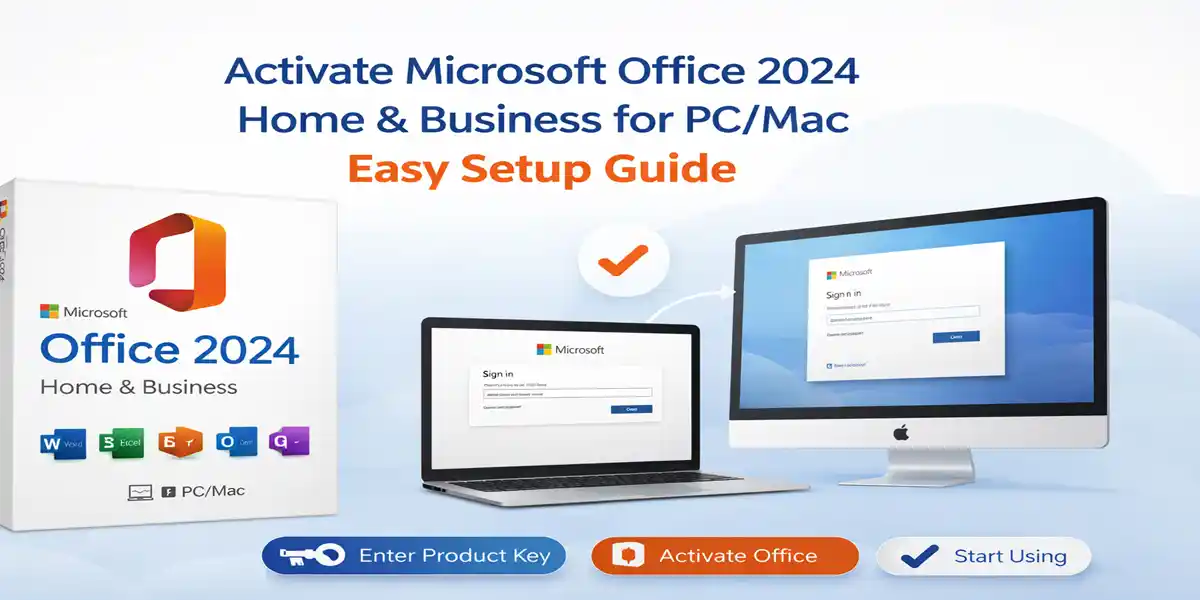
Introduction to Microsoft Office 2024 Home and Business for PC/Mac
Microsoft Office has been the cornerstone of productivity for individuals, professionals, and businesses for decades. With the release of Microsoft Office 2024 Home and Business, Microsoft continues its tradition of delivering powerful, reliable, and user-friendly productivity software designed for modern work environments. This suite offers an excellent solution for users who require essential tools for document creation, data analysis, presentations, and email communication, without the hassle of ongoing subscription fees.
Office 2024 Home and Business (Office 2024 HB) is specifically designed for users who want a one-time purchase version of Microsoft Office for their PC or Mac. Ideal for small business owners, freelancers, home office workers, students, and professionals, Office 2024 HB ensures long-term stability with the latest Office applications.
What Is Microsoft Office 2024 Home and Business?
Microsoft Office 2024 Home and Business is a one-time purchase (perpetual license) productivity suite designed for small businesses, professionals, entrepreneurs, and home users. It delivers the classic Office experience with updated performance, modern UI refinements, and enhanced security. Users can pay once for the license and use the software indefinitely on a single PC or Mac.
This edition is perfect for those who prefer ownership over subscriptions and need essential tools for documents, spreadsheets, presentations, and professional email communication.
Included Applications in Office Home and Business 2024
-
Microsoft Word 2024
Word 2024 is the industry-standard word processing application used for creating professional documents, reports, letters, proposals, and contracts. It includes improved formatting tools, enhanced collaboration features, better accessibility support, and stronger security for sensitive documents. Whether you are drafting personal content or formal business documentation, Word is your go-to solution. -
Microsoft Excel 2024
Excel 2024 is a powerful spreadsheet and data analysis tool ideal for budgeting, accounting, financial modeling, data visualization, and reporting. With improved performance, refined formulas, enhanced charts, and better handling of large datasets, it is an essential tool for business analytics and day-to-day number-based tasks. -
Microsoft PowerPoint 2024
PowerPoint 2024 helps users create visually engaging presentations for meetings, training sessions, pitches, and educational use. With modern templates, smoother animations, improved design tools, and better multimedia support, PowerPoint enables clear communication of ideas and professional presentations. -
Microsoft Outlook 2024
Outlook 2024 combines email, calendar, contacts, and task management in one interface. It is especially valuable for business users who rely on structured communication, scheduling, and organized workflows. Enhanced email filtering and integration with Microsoft services improve your productivity across platforms. -
OneNote (Windows)
OneNote allows users to capture, organize, and manage notes in digital notebooks. It is useful for meeting notes, research, planning, brainstorming, and personal organization, syncing easily across supported devices.
Key Differences from Microsoft 365
Unlike Microsoft 365, which requires monthly or yearly subscription payments, Office Home and Business 2024 offers:
-
A single upfront payment
-
Permanent license validity
-
Installation on one PC or one Mac
-
Security updates during Microsoft’s support lifecycle
This makes Office 2024 Home and Business a cost-effective and predictable solution for users who do not require cloud-based services or frequent feature updates.
Key Features of Office 2024 Home and Business
-
One-Time Purchase (No Subscription)
One of the most significant advantages of Office Home and Business 2024 is its perpetual licensing model. Users pay once and own the software permanently, with no recurring subscription fees. This is especially beneficial for those who prefer a stable version of Office without frequent changes. -
Enhanced Performance and Stability
Office 2024 is optimized for faster launch times, improved memory usage, and better handling of large Excel files, ensuring smooth and responsive performance even on mid-range hardware. -
Modern User Interface
The refined interface of Office 2024 blends the familiar Office layout with updated design elements. Cleaner visuals, improved iconography, and better spacing enhance readability, reduce eye strain, and minimize the learning curve. -
Advanced Excel Features
Excel 2024 introduces powerful data analysis tools, better chart rendering, and enhanced formula calculation performance, making it an indispensable tool for finance, accounting, and data-driven decision-making. -
Outlook 2024 for Business Communication
Outlook 2024 strengthens professional communication with improved email filtering, better calendar and scheduling tools, and enhanced integration with Microsoft services for improved productivity across workflows. -
Offline Productivity
After activation, Office 2024 Home and Business works fully offline, allowing users to create, edit, and save files without an internet connection—ideal for travel or secure environments. -
Long-Term Support
Microsoft provides ongoing security updates and bug fixes, ensuring Office 2024 Home and Business remains secure, stable, and reliable throughout its supported lifecycle.
System Requirements for Microsoft Office 2024 Home and Business
Before installing Microsoft Office 2024 Home and Business, ensure your device meets the minimum system requirements for optimal performance.
Windows System Requirements
-
Operating System: Windows 10 or Windows 11
-
Memory (RAM): Minimum 4 GB RAM; 8 GB recommended for better performance with large files
-
Storage: At least 4 GB of free disk space
-
Internet Connection: Required for activation and updates, but most applications can be used offline once activated
macOS System Requirements
-
Operating System: The latest compatible versions of macOS
-
Processor: Compatible with Intel-based Macs and Apple Silicon (M1, M2, and later) processors
-
Internet Connection: Required for activation, license validation, and updates; offline use available after activation